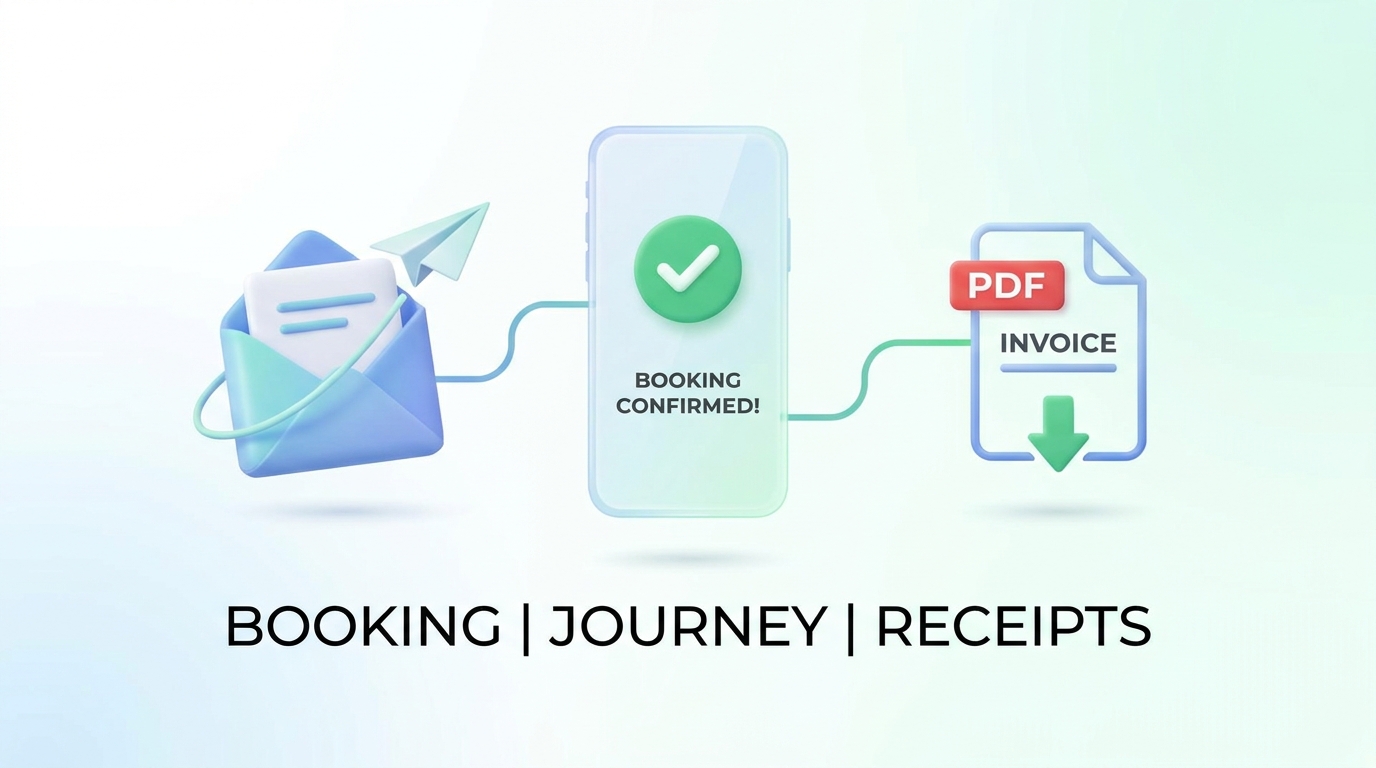

You have booked and paid. The question we hear most at this point is some version of “how do I know my ride is coming?” The short answer: your confirmation email is the proof. It holds every detail of the booking, and a PDF invoice with the same details is attached. We don’t send the driver’s name or phone number, and there is no live tracking to watch. The car is planned around the time and place on your booking.
What your confirmation email contains
The email goes out as soon as the booking is paid. It lists everything you booked: the date and time, the pickup and drop-off addresses, the vehicle class, your flight number if you gave one, and the price. The PDF invoice attached to it repeats the same details, which is handy if you need to show a booking on paper or claim the cost back.
Keep the email until the journey is done. It is the only record you need, and it carries your order number, which is how we find your booking quickly if you write to us.
“How do I know my ride is on its way?”
You don’t need to check. We don’t send the driver’s details or a tracking link, because there is nothing you need to do with them:
- Arriving at Keflavík: the flight number on your booking is tracked, and the pickup time moves with the flight, so a delay costs nothing extra. Your driver waits inside the arrivals hall, past customs, with a sign showing the lead passenger’s name. How to find your driver at Keflavík walks through it step by step.
- Going to the airport, or any pickup that isn’t the airport: the driver comes to the door of the address on your booking at the booked time. More on that in Reykjavík hotel pickup to Keflavík.
If you are unsure on the day, you can reach the team on +354 770 0444.

How to change something on your booking
Changes are made by email only. Write to info@icetransfer.is with your order number and the name on the booking, and say exactly what should change: a new phone number, a different pickup time, another address, an extra passenger or bag. Sending everything in one email is the quickest way to get it right.
If your plans change completely, you can cancel free of charge up to 24 hours before the pickup time.
If the confirmation email doesn’t arrive
First, check the spam or junk folder of the address you booked with, and the Promotions tab if you use Gmail. Confirmations sometimes land there.
If it isn’t there, email info@icetransfer.is with your order number and the name you booked under. The order number is shown on the page you saw after paying. The team checks the booking and sends the confirmation again. If you mistyped your email address when booking, this is also how to correct it.
Questions
Will you send me the driver’s name or phone number?
No. We don’t send driver details. At the airport your driver finds you in the arrivals hall with a name sign; for any other pickup the driver comes to your door at the booked time.
Can I track my car on a map?
No, there is no live tracking. For airport arrivals we track your flight instead, so the pickup moves if the flight is late.
Can I change my booking by phone or WhatsApp?
Changes are made by email only, to info@icetransfer.is, with your order number and name. That way every change is in writing and nothing gets lost.
I paid but never got an email. Is my booking real?
Check your spam folder first. If it isn’t there, email your order number and name to info@icetransfer.is and the team will check the booking and resend the confirmation.
Is the price on my invoice per person?
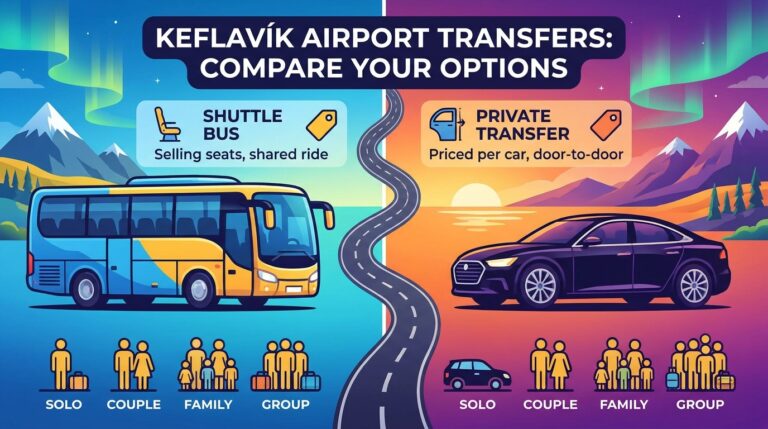
No. Every fare is for the whole vehicle, whatever the number of passengers.
Not booked yet? Book your transfer and the confirmation arrives the moment you pay.